
Your Project.
Your Portal.
Your Control.
KC's uses JobTread to give every client a single place to track their project from start to finish — real-time updates, documents, photos, financials, and communication all in one place. No digging through emails. No wondering what's happening on site.
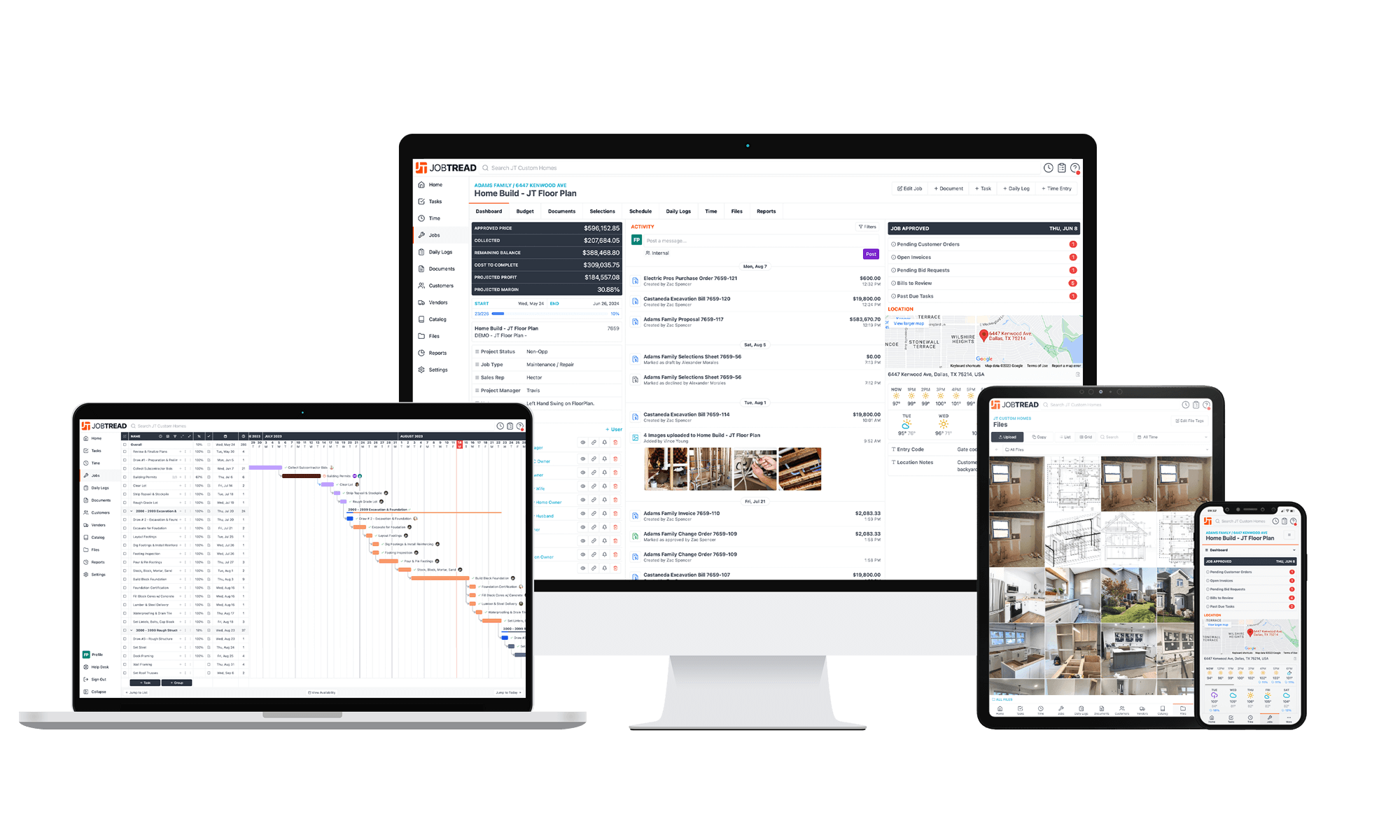
Everything About Your Project
In One Place
Your JobTread portal gives you unprecedented visibility into your project — from the first estimate to the final invoice.
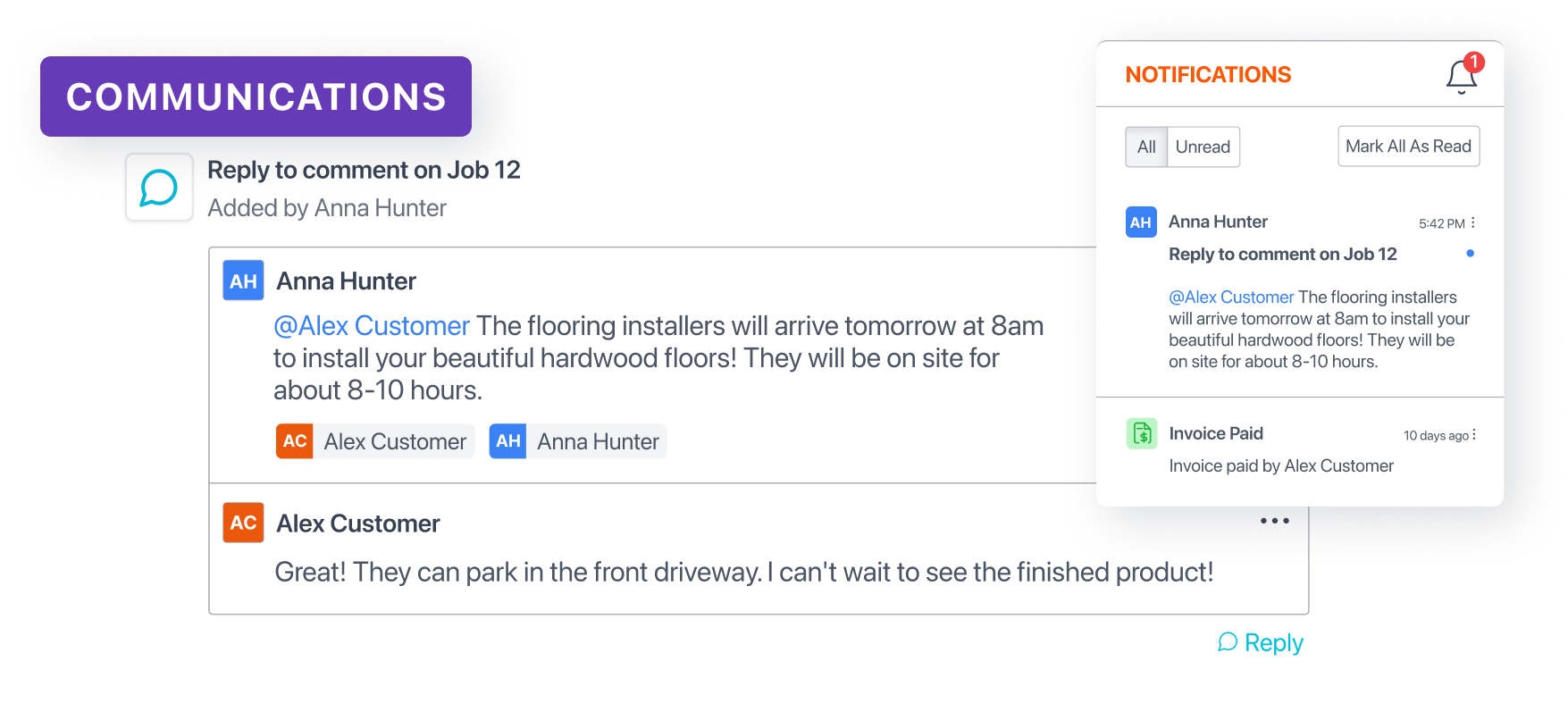
All Communication in One Place
No more digging through email chains trying to find what your project manager said last Tuesday. Every message, update, and question lives in your portal — organized, searchable, and always at your fingertips.
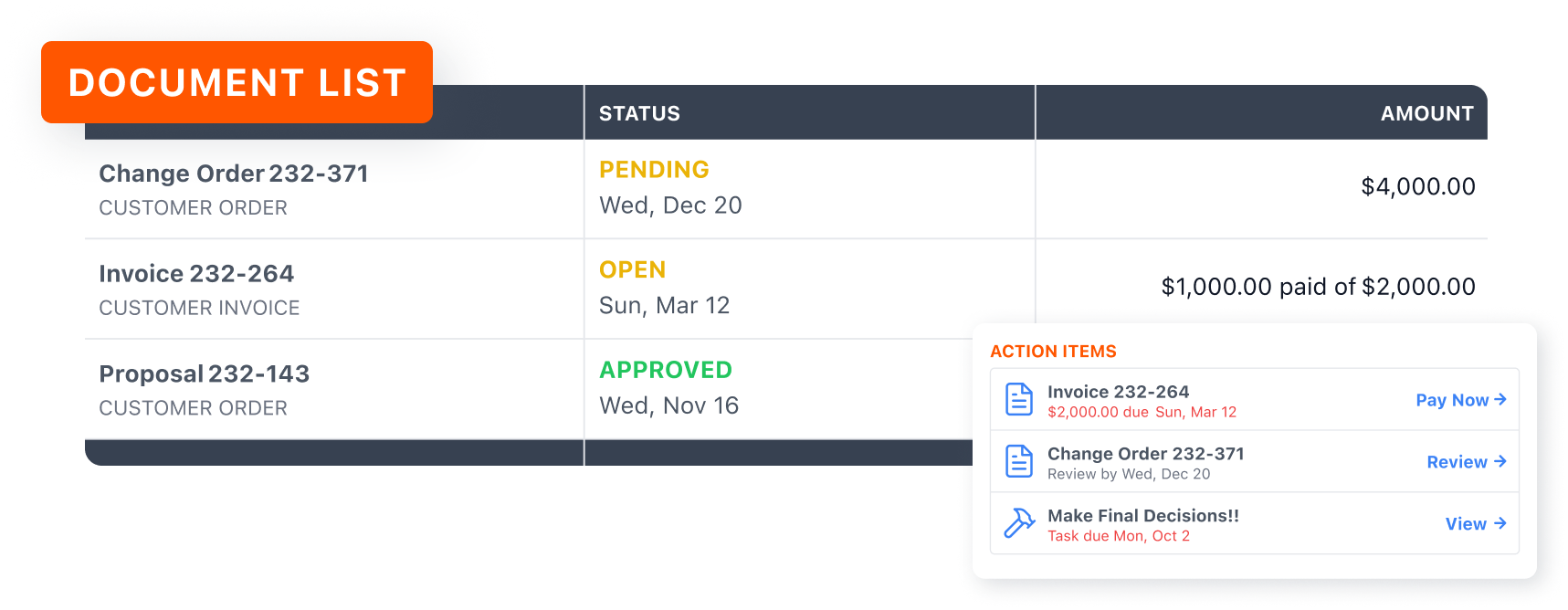
View All Job Documents
Your estimates, contracts, change orders, invoices, photos, and daily logs — all organized and accessible in one location. Know exactly where your project stands financially and physically at any moment.
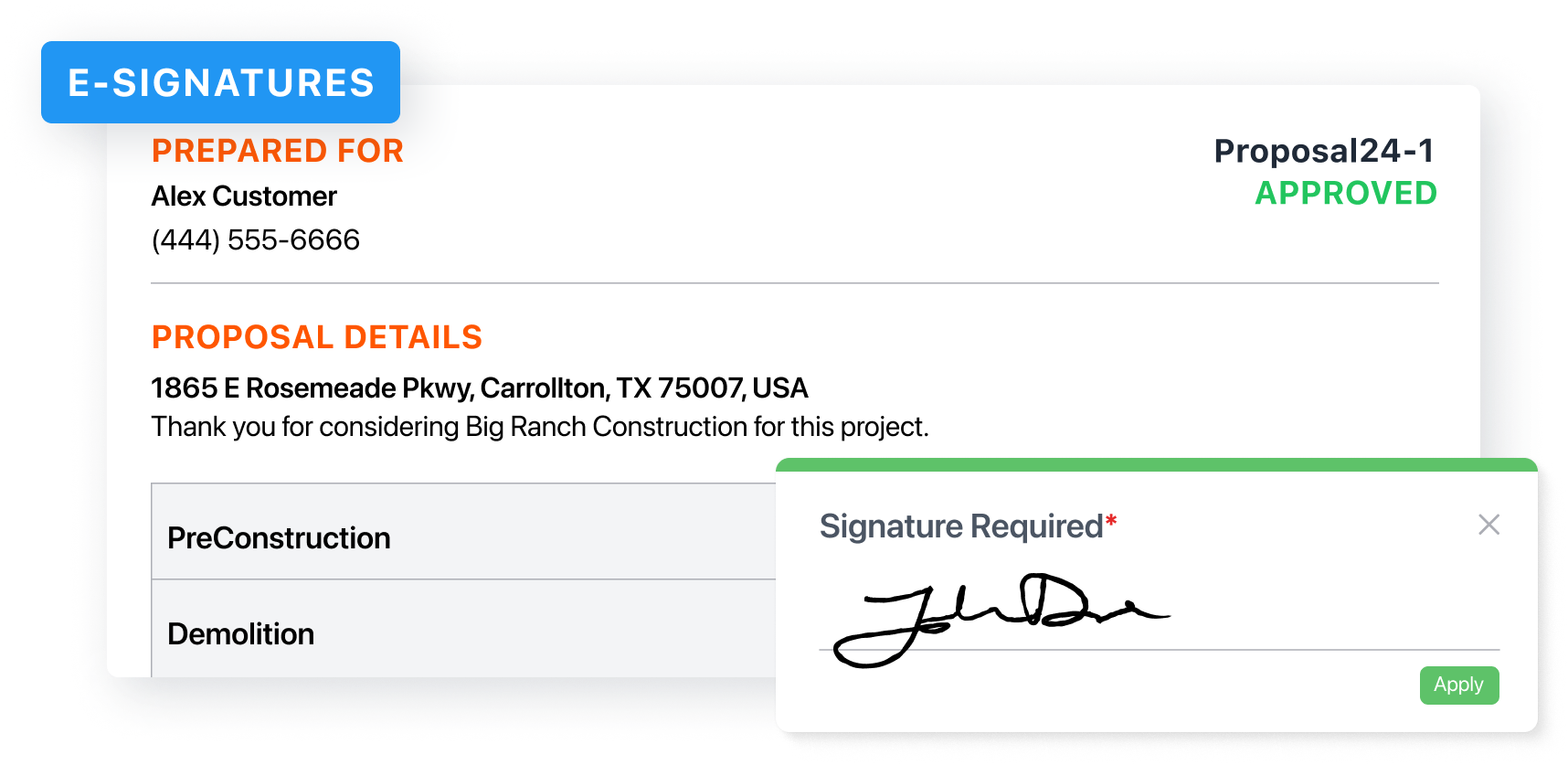
Digitally Approve Work
Review and sign proposals, approve change orders, view invoices, and make payments — all without printing a single sheet of paper. Fast, secure, and always documented.
Watch How Your Portal Works
New to JobTread? Watch this short walkthrough to see exactly what your client portal looks like and how to use it — from reviewing your project details to approving documents and making payments.
Ready to Check In on
Your Project?
Log in to your JobTread portal to see the latest updates, photos, documents, and messages from your KC's project team.